Overview of the Project
Two government systems, one regulator — understanding MahaRERA before designing for it.
🏛️ About MahaRERA
The Maharashtra Real Estate Regulatory Authority (MahaRERA) is the statutory state body that regulates the real estate sector in Maharashtra under the RERA Act, 2016. It maintains the official public record of every registered housing project in the state, tracks promoter (builder) compliance, and gives citizens an independent way to verify a project before they commit their life savings to it. No promoter can legally advertise, market, or sell a housing unit in Maharashtra without first registering the project with MahaRERA.

👥 Who uses it, and why
- Citizens & Homebuyers — use MahaRERA to verify a project's registration status, promoter credibility, and construction timeline before booking a flat. For most first-time buyers, it is the only independent, government-backed check available to them.
- Promoters & Builders — register new projects, file mandatory quarterly progress updates, upload legal and financial disclosures, and respond to homebuyer complaints through the platform.
- Real Estate Agents — register as authorised agents, look up project credentials before recommending a property, and renew their own agent certification each year.
🧩 Two Major Problems
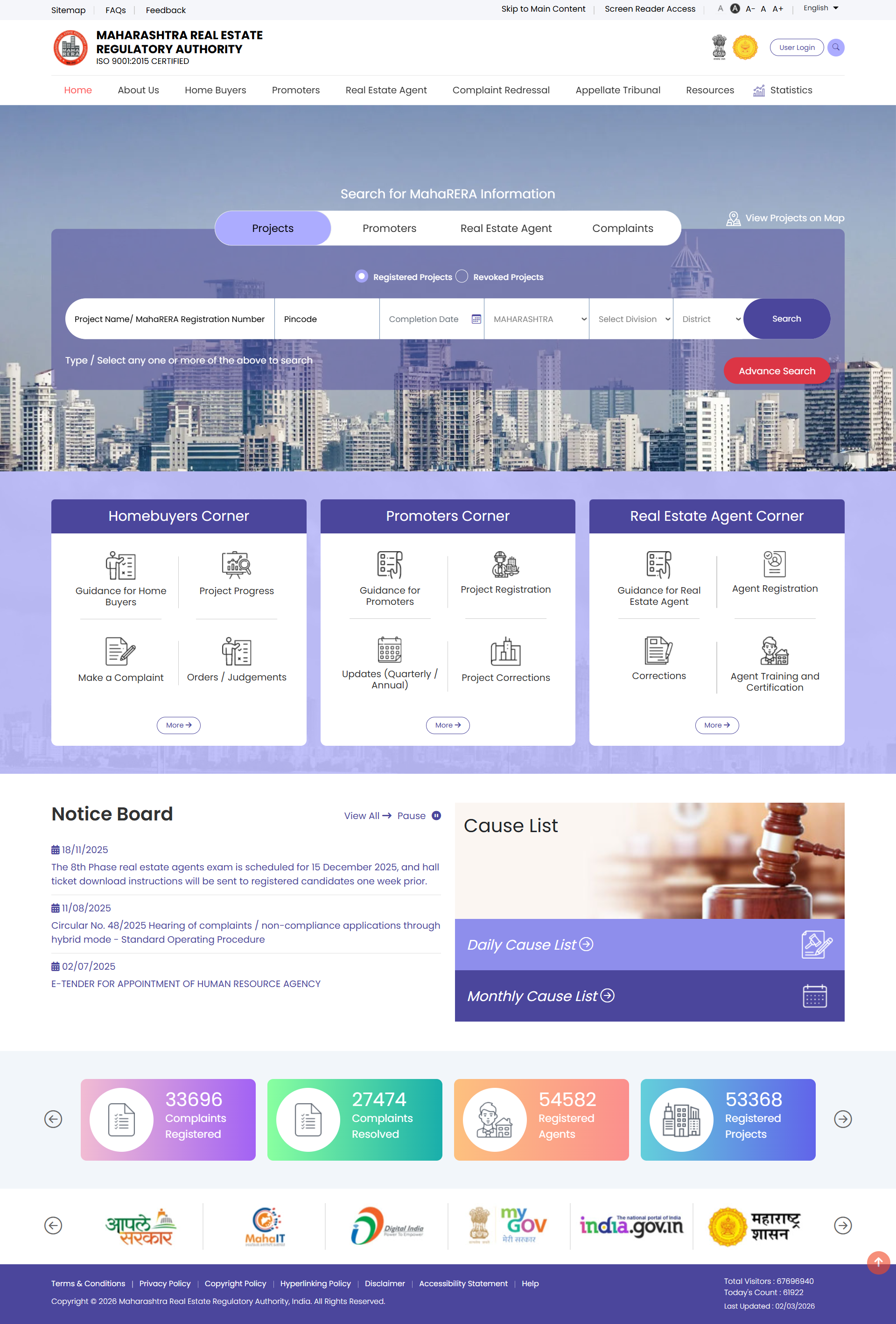
MahaRERA is really two separate digital products serving two very different audiences — a public-facing Website for verification and trust, and an internal-facing Application Portal for compliance and filing. Both had accumulated years of usability debt.
1MahaRERA Website
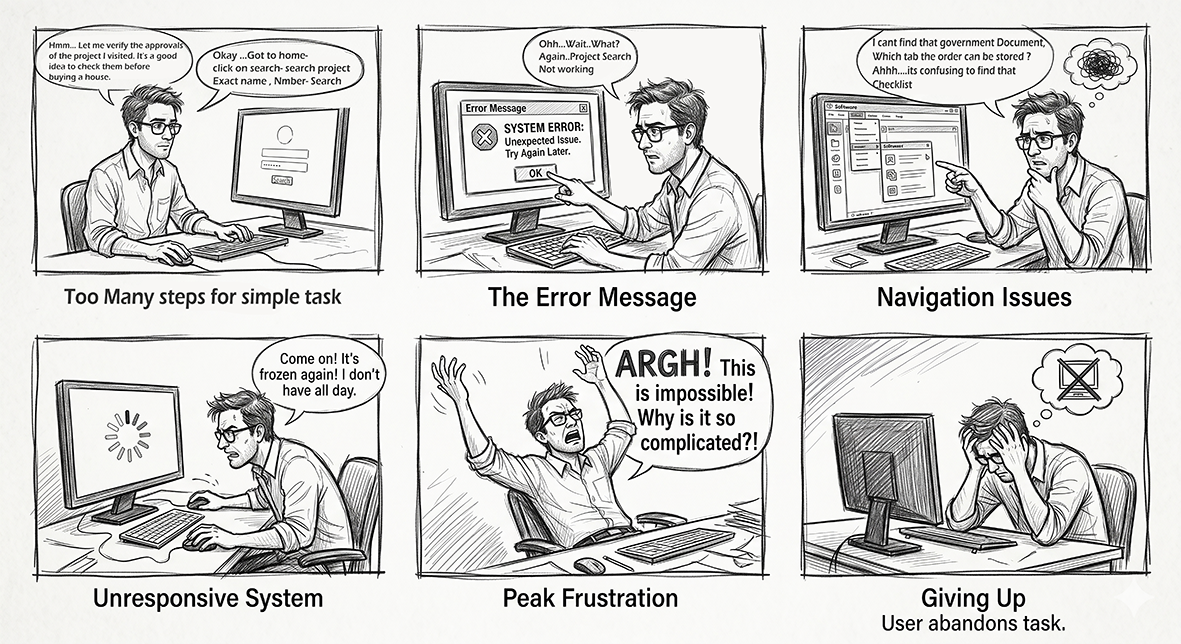
- Project search required knowing exact registration numbers — unusable for a first-time buyer.
- Data was dumped as raw PDFs and dense tables with no visual hierarchy.
- No way to see a project's real-time status (on-track, delayed, complaint filed) at a glance.
- No accessibility support — ignored GIGW and WCAG guidelines mandated for government sites.
2MahaRERA Application Portal
- Multi-step registration and filing forms lost data on session timeout, forcing promoters to redo hours of work.
- No visible status tracker for applications under review — leading to repeated calls to MahaRERA staff.
- Document upload rules weren't validated until final submission, causing late-stage rejections.
- Promoter and agent workflows were merged into one confusing form set with no role-based guidance.

 Mid-fi wireframes